BUY ADOBE
Adobe Creative Cloud: The Smart Buyer’s Guide (2026 Edition)
Adobe Creative Cloud is the unchallenged gold standard for creative professionals across all industries, powering everything from photo retouching and graphic design to video editing and motion graphics. While 2026 has brought slight increases in subscription costs, the platform’s value remains strong—especially for anyone who depends on industry staples like Photoshop, Illustrator, and Premiere Pro to deliver professional results. For creative pros, sticking with Adobe isn’t just a habit; it’s about the unmatched ecosystem and reliability that keep projects on track.
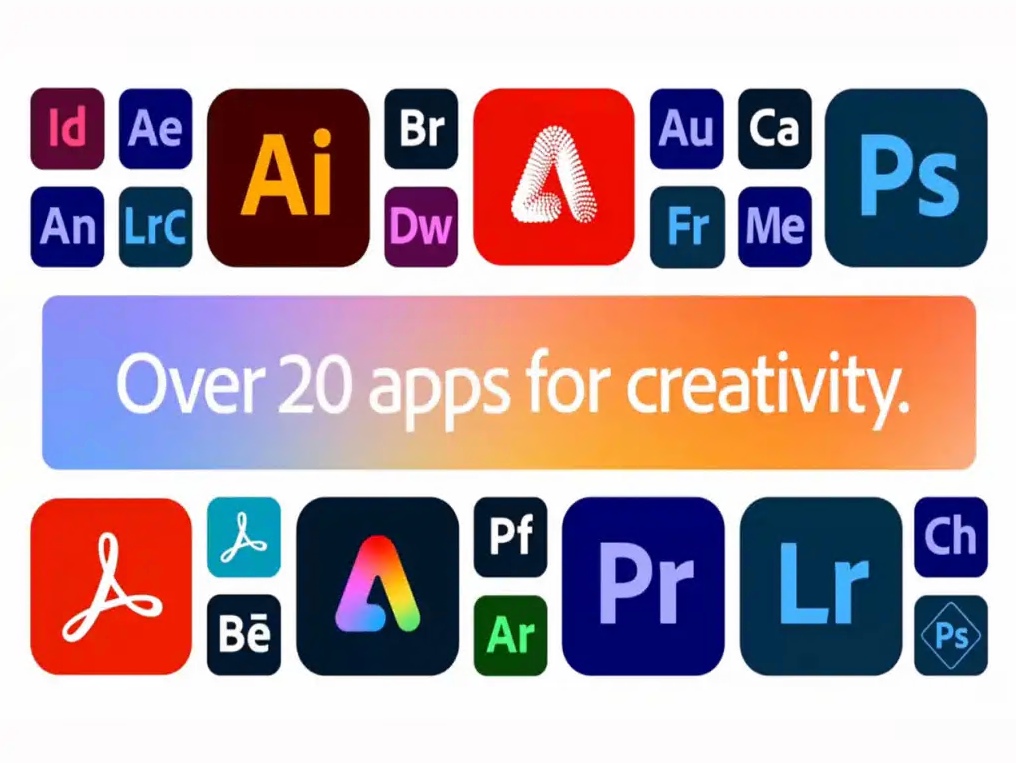
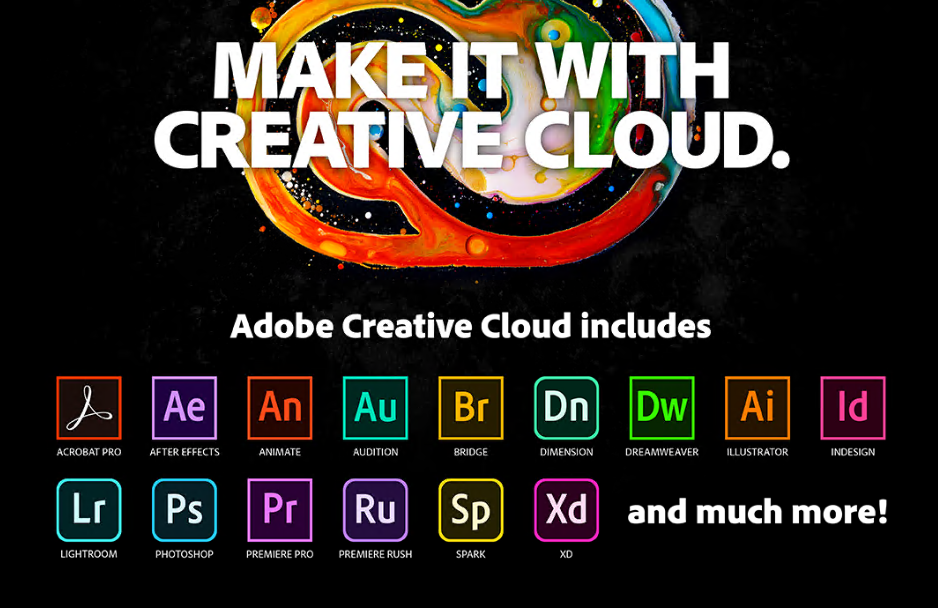
The biggest appeal of Adobe Creative Cloud lies in its seamless integration across more than 20 professional apps. Unlike disjointed alternatives, Adobe’s suite works in perfect harmony, ensuring file compatibility and efficient workflows—both critical for collaborating with clients and teammates. What’s more, the platform’s commitment to continuous innovation means regular updates; 2026 has introduced even more AI-powered tools that cut down on tedious tasks and open up new creative doors. Combined with its status as the industry standard for file formats, Adobe is a must-have for professionals who can’t risk compatibility issues or outdated software.
Longtime users will recall Adobe’s days of selling boxed software under the Creative Suite brand, but the shift to subscriptions has been a mixed bag. On the upside, updates are automatic—no more manually downloading patches or missing out on new features. On the downside, recurring monthly or annual costs can add up if you’re not strategic. Luckily, there are simple, proven ways to beat Adobe’s 2026 pricing changes and keep costs low, even as the platform adds more cloud services and AI capabilities.
The single best way to save on Adobe CC in 2026 is to pounce on limited-time discounts—right now, you can get 40% off All Apps plans, slashing the monthly cost from the standard $52.99 to just $29.99. These flash sales vanish without notice, so bookmark Adobe’s deals page to act fast when they pop up. Another easy win is choosing annual billing, which saves you roughly 20% compared to monthly payments. Not only does this lower your total cost, but it also locks in your rate for a full year, shielding you from mid-year price hikes.
Before you sign up for any plan, take advantage of Adobe’s 7-day free trials to test out the apps you’re interested in. This simple step helps you avoid paying for tools you don’t actually use—a common pitfall for casual users. If you’re a student or teacher, you can save over 60% with valid .edu verification, and the best part? This plan gives you full access to the entire Creative Cloud suite, no features held back. For photographers, skip the full All Apps plan and go with the $9.99/month Photography Plan, which includes both Photoshop and Lightroom—ideal for anyone who focuses on photo editing.

If you’re part of a small team or group of collaborators, team sharing is another great money-saver. Splitting the cost with 2 to 5 colleagues cuts individual expenses and comes with the bonus of shared cloud storage, making collaboration even easier. If you want to avoid subscriptions entirely, there are alternatives—though none measure up to Adobe’s polish or integration. Standalone purchases are only available for select apps like Acrobat Pro, and they don’t include updates or cloud features. Older versions like CS6 work offline but lack 2026’s modern AI tools and security updates, putting you at risk for compatibility issues. Free options—GIMP for Photoshop, DaVinci Resolve for Premiere Pro, and Inkscape for Illustrator—are cheap but often lack Adobe’s seamless workflows and professional support.
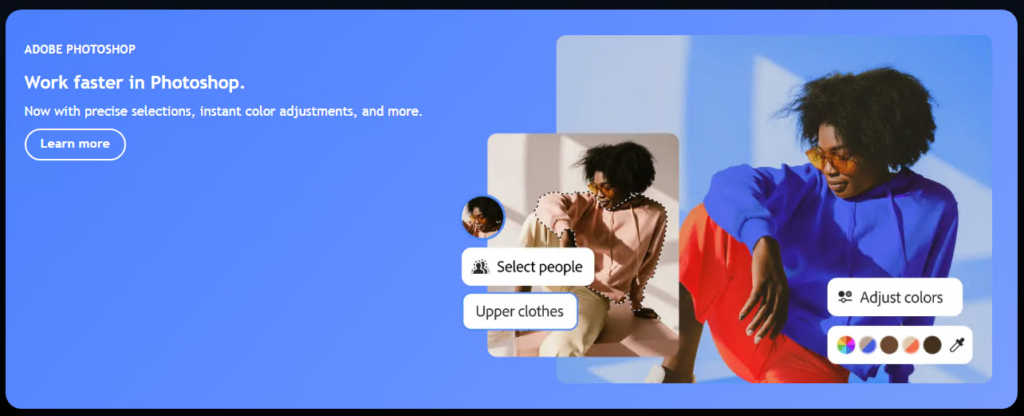
It’s crucial to know what happens if you need to cancel your Adobe CC subscription. First, you’ll lose immediate access to all apps—they’ll stop working as soon as you hit cancel—so make sure to download all your cloud files first. Your cloud files will stay available for 90 days after cancellation, giving you time to back them up, but Adobe doesn’t offer partial refunds for unused months. A smarter move: if you just need basic storage, downgrade to the free plan instead of canceling entirely.
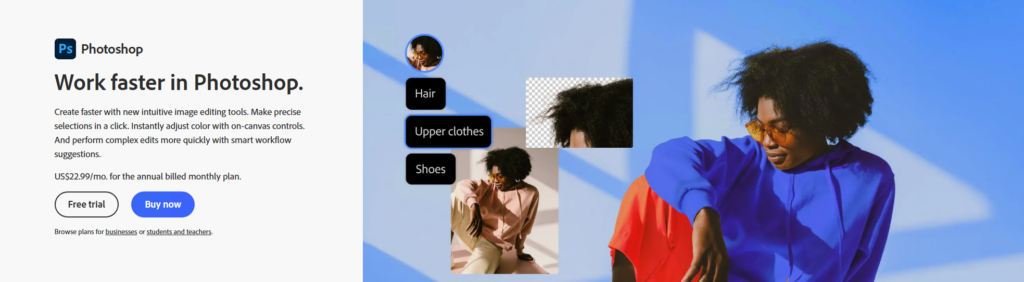
So, is Adobe Creative Cloud worth it in 2026? For professionals, the answer is absolutely yes—especially when you use the discount strategies above to maximize savings. For casual users, though, the full All Apps plan might be overkill; consider the Photography Plan or free alternatives if you only use one or two tools. To get the most out of your subscription, bookmark Adobe’s deals page, combine annual billing with discount codes for the biggest savings, and regularly check which apps you actually use to avoid paying for extras.
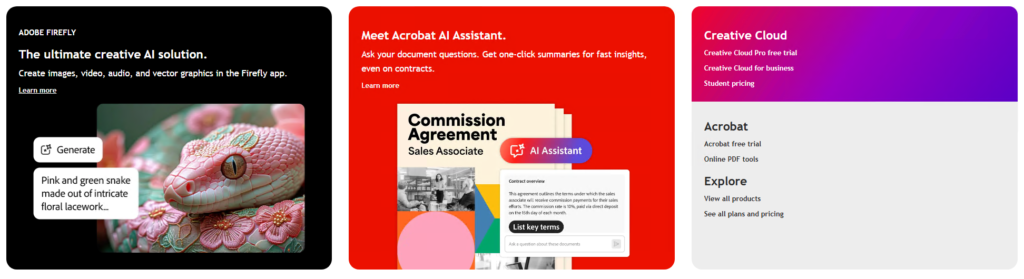
Right now, the best deal is that limited-time 40% off All Apps plan—don’t let this chance to get industry-leading creative tools at a steep discount slip away. By being strategic with your subscription, you can keep access to the tools that power your creativity without overspending. The key is to act fast on deals and pick a plan that fits your needs, whether you’re a full-time pro, a student, or a hobbyist.