
Digital Art, Explained: A Friendly Guide for Anyone Curious About Making Art in the Digital Age
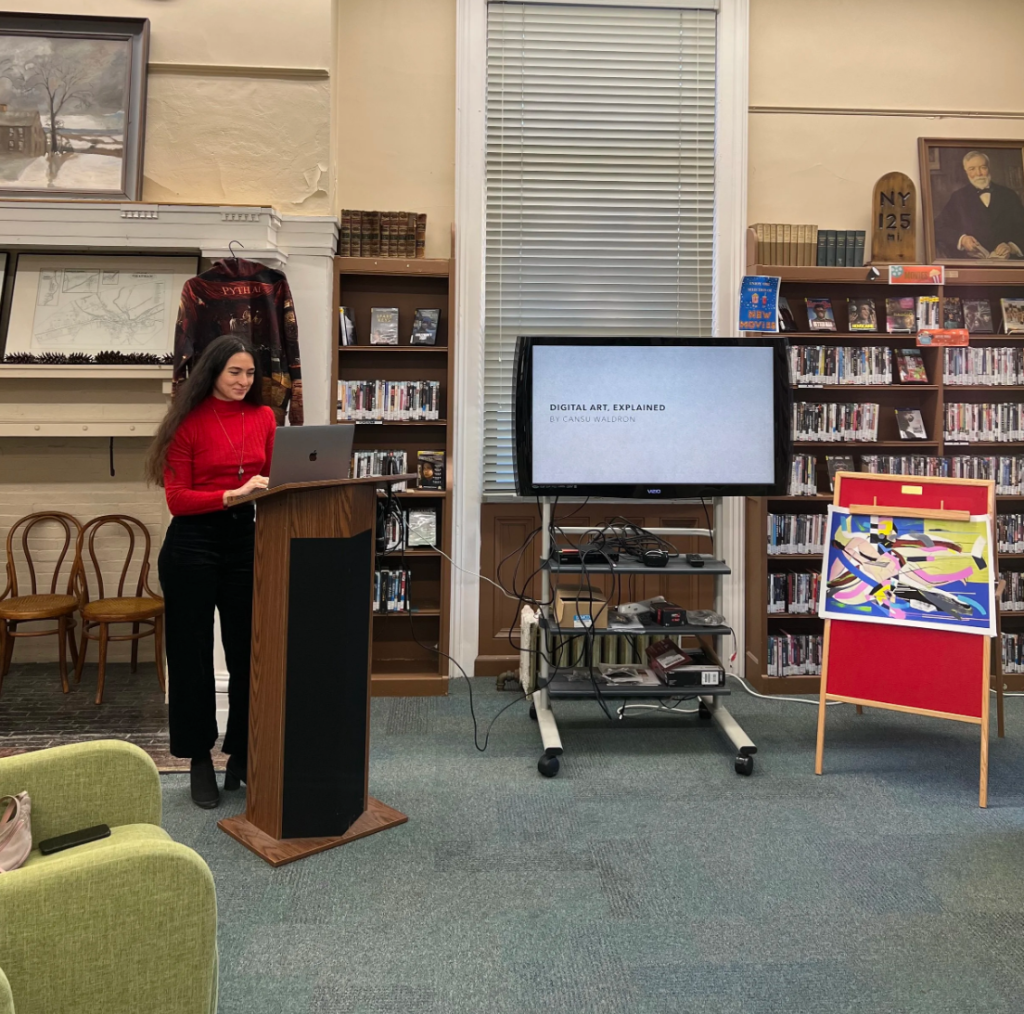
I recently put together a presentation for a talk on digital art at my local library, where I introduced our community to all the amazing things digital art has to offer—and that’s when it hit me… we don’t have a simple, all-in-one article like this on Digital Arts Blog. So here’s the written version of that talk, with plenty of clarity and links to deeper dives, all to help make the whole world of digital art feel a little less overwhelming.
Whether you’re a traditional artist looking to branch out, a curious beginner with no experience, a designer testing out new tools, or even someone who still hasn’t figured out what “digital art” really means—this guide is for you.
So… What Is Digital Art?
Digital art is any artistic practice where digital technology plays a part in creating or experiencing the artwork.
Sometimes the entire piece is made right on a screen.
Sometimes it starts as an analog piece—like a pencil sketch or a painting—and gets turned into digital art later on.
Sometimes the experience of viewing it is the art itself—think AR pieces you activate with your phone.
A (Very) Quick History of Digital Art
A lot of people think digital art started with the iPad, but the truth is, it goes all the way back to the 1960s—way before Photoshop or Procreate even existed.

Artists like Vera Molnar, Frieder Nake, and Manfred Mohr started experimenting with early computers, using machines that took up entire rooms to create algorithmic drawings. In the 80s and 90s, as personal computers became more affordable, artists branched out into multimedia installations, early VR, and once the internet came along, net art and web-based experiments.
The 2000s brought creative coding tools like Processing, which made generative art accessible to people who aren’t engineers. Then the 2010s and 2020s gave us AR, VR, powerful 3D engines, and of course, AI systems—all of which shifted both the creative process and the public’s conversation about what art “should” be.
Every decade brings a new tool, and artists always find ways to use it in ways no one saw coming. That’s what I love about working in this field!
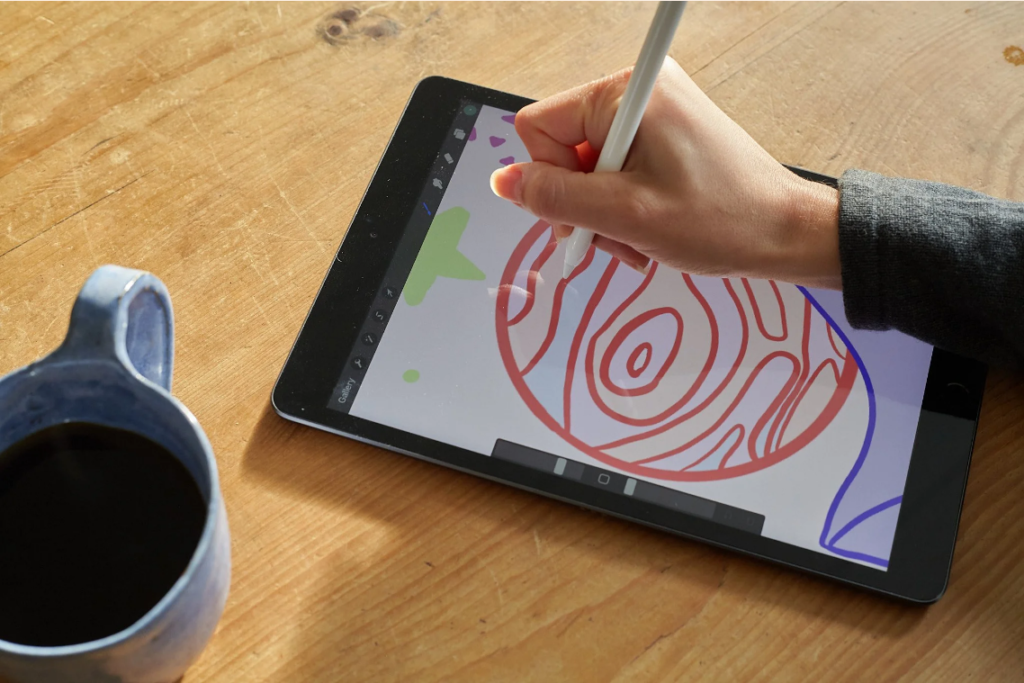
The Many Types of Digital Art
There are tons of ways to create digital art, and many of them overlap. Below is a breakdown of the main “categories” you’ll come across, with quick explanations to help you get your bearings.
1) Digital extensions of traditional art: These practices grow out of classic art forms but use digital tools.
• Digital painting
Made with software like Procreate or Photoshop. Think of it as painting, but your entire studio lives inside a tablet.
• Digital illustration
Often stylized, graphic, or story-driven. It’s used in publishing, branding, posters, and independent art projects.
• Vector art
Created with vector-based software like Adobe Illustrator, Affinity Designer, or Inkscape. It uses mathematical paths instead of pixels, which means it can be scaled up or down infinitely without losing quality. It’s often used for logos, graphic shapes, and stylized illustrations.
• Photo manipulation
Combining, altering, or reimagining photos to create something surreal or completely new.
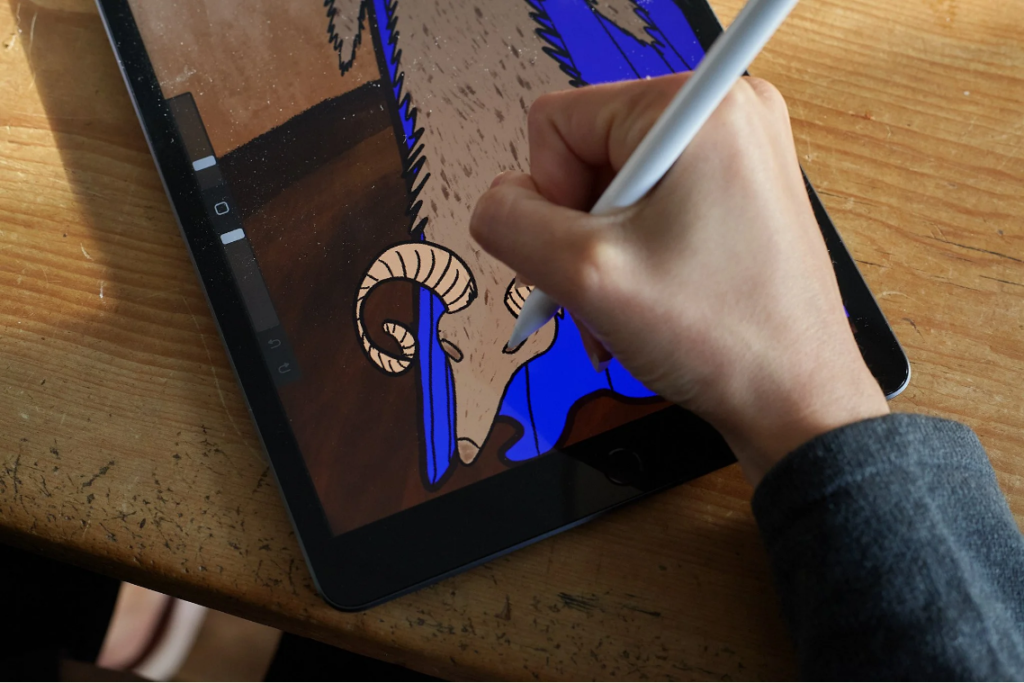
• Pixel art
Low-resolution, grid-based art often linked to retro video games. Its intentional limitations are part of what makes it charming.
• 3D art
Think virtual sculptures or environments. Creating digital objects, characters, or scenes with software like Blender or Cinema4D.
• Digital collage
It’s the classic cut-and-paste, but with the freedom of digital editing, filtering, and duplication.
• Virtual fashion design
Avatars need stylish clothes too!
• Animation
Can be 2D or 3D—moving images that bring art to life.
2) Computer-generated art: With this type of art, the artist sets certain rules or boundaries, but the computer creates the final piece.
• Code-based art
The artist writes an algorithm with rules, code, and random elements, and the artwork emerges from that process.
• Artificial intelligence art
Art created with or through AI systems. It’s controversial and sometimes misunderstood, but like any medium—it can be brilliant or mediocre, depending on what the artist wants to create.
• Glitch art
An aesthetic built from digital errors, broken files, and corrupted images—celebrating the “imperfections” of technology.
3) Interactive + immersive art: This is art that requires you to actively participate to experience it fully.
• VR (Virtual Reality)
Fully immersive spaces you view through a headset—from dreamlike environments to interactive installations.
• AR (Augmented Reality)
Digital layers added to physical spaces. Think QR codes that trigger animations or sculptures you view through your phone.
• Virtual Worlds / Game Engines
Also called game design or world-building. Artworks created with platforms like Unity, Unreal Engine, and similar tools—sometimes interactive, sometimes cinematic.
• Internet-based art
Pieces made specifically for online environments. Sometimes interactive, sometimes conceptual, sometimes intentionally odd.
Okay… But How Do I Start?
If you’re new to digital art, here’s my honest tip: Start with what already feels comfortable.
If you draw → give digital illustration a try.
If you take photos → experiment with photo manipulation.
If you like building things → try 3D art.
If you’re curious about code → play around with generative tools.