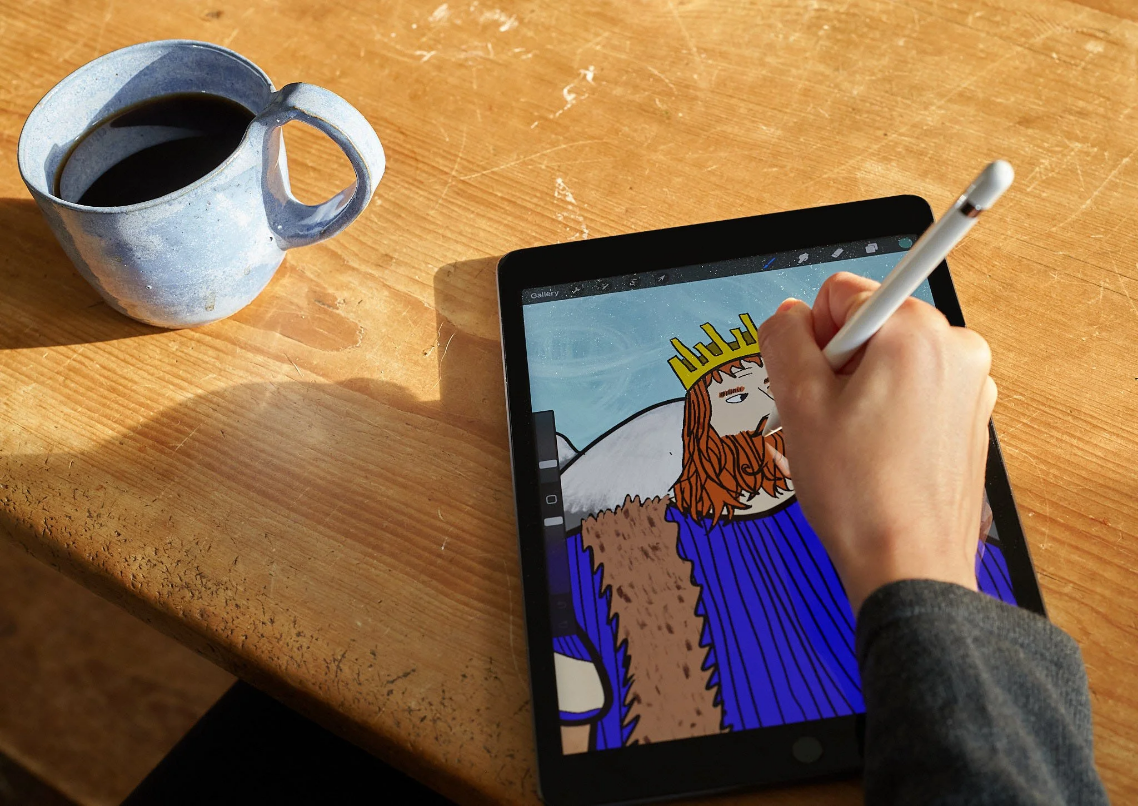
Where to Learn Digital Art Online for Free (and a Few Paid Ones)
So you want to learn digital art? Welcome to the crew!
Whether you’re totally new to drawing on a tablet or making the switch from traditional art, the internet is loaded with resources to help you grow—and the best part? A ton of them are totally free.
In this guide, we’re sharing our go-to spots to learn digital art online—from beginner-friendly tutorials to deep dives into illustration, character design, and even animation. We’ll also throw in a few paid options that are 100% worth it if you’re ready to invest in your skills.
The Best Free Places to Learn Digital Art
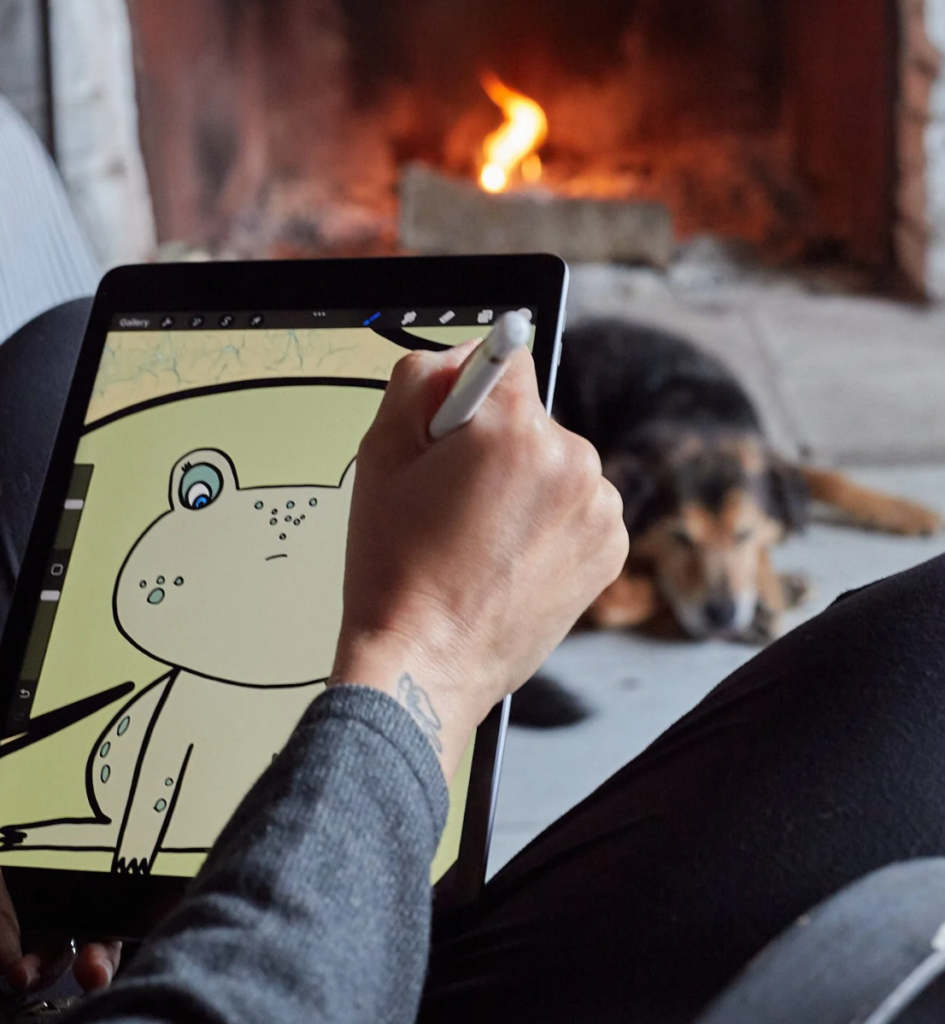
1. YouTube
Good for: Everything from the absolute basics to pro-level tips
YouTube is a goldmine for digital artists. You’ll find tutorials on using Procreate, Photoshop, Blender, Clip Studio Paint—pretty much any tool you can think of. Plus, there are speedpaints, art challenges, and breakdowns of how pro artists work.
Channels to check out:
Genevieve’s Design Studio – easy-to-follow tutorials for digital illustration
Aaron Blaise – former Disney animator sharing drawing fundamentals
Marc Brunet – digital painting, anatomy, and concept art
Sinix Design – stylization and painting techniques
Art with Flo – super approachable Procreate tutorials
PiXimperfect – Photoshop and design-focused tips
Tip: Search YouTube with specific terms like “portrait in Procreate for beginners” or “how to shade in Photoshop” to find exactly what you need.
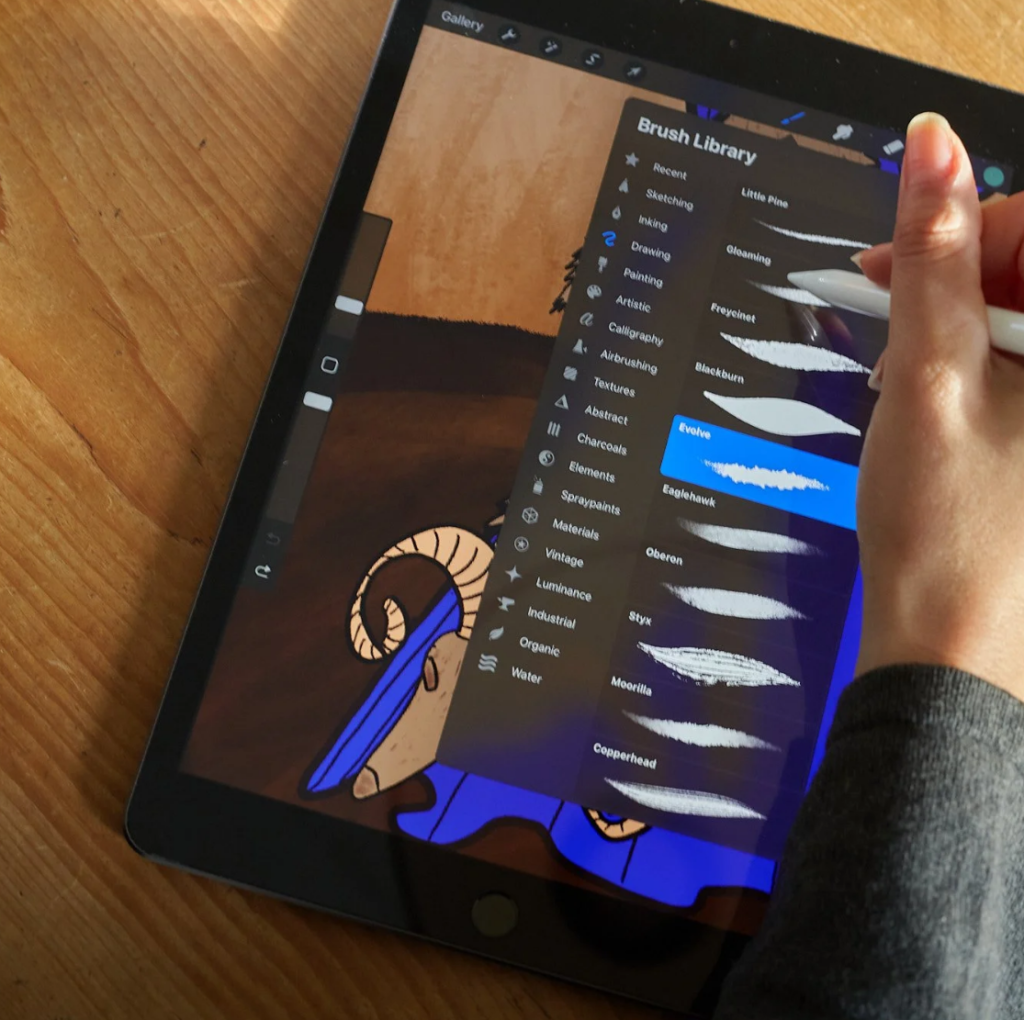
2. Adobe Tutorials (Free)
Good for: Learning industry tools like Photoshop, Illustrator, and Fresco
Adobe has a whole library of free tutorials made by professionals. They range from quick hacks to full beginner guides. Even if you don’t use Adobe products every day, their videos cover design principles that work for any medium.
3. Drawabox (Free)
Good for: Foundational skills like perspective, structure, and building confidence
Drawabox is a totally free course focused on drawing fundamentals. It’s more technical than artsy, but if you want to build your visual skills and learn to draw what you actually see, it’s a perfect starting point.
4. AnatomyArchive (Free)
Good for: Quick anatomy references while you paint
AnatomyArchive is designed to be a practical studio companion—like a book you can flip open mid-painting. When you get stuck on a body part, just find the section you need, get a quick refresher, and jump back into your work.
5. Ctrl+Paint (Free Library)
Good for: Digital painting basics and workflows
This site has short, practical videos covering digital painting techniques using Photoshop or similar programs. It’s great if you want to ease into painting without feeling overwhelmed.
6. Blender Guru (Free)
Good for: Learning 3D modeling and rendering in Blender
If you’re curious about 3D art, Blender is the best place to start—and it’s completely free. Blender Guru’s legendary “Donut Tutorial” walks you through everything step by step, no prior experience needed.
7. Reddit + Discord Communities
Good for: Getting feedback, joining challenges, and learning from others
Online communities are way underrated as learning tools. Just hanging out, asking questions, and seeing how other artists approach their work can be incredibly valuable.
Some good spots:
r/learnart (Reddit)
r/digitalpainting (Reddit)
Discord servers like Drawfee, Clip Studio Paint, or Procreate communities
8. Gumroad (Free + Pay-What-You-Want)
Good for: Brushes, tutorials, and downloadable guides
Lots of artists sell or give away brushes and tutorials on Gumroad. Just search “digital art tutorial” or filter for free downloads. It’s also a great way to support independent creators.
9. ArtStation Learning (Free with Account)
Good for: Industry-focused content
ArtStation offers video lessons from working pros in concept art, environment design, and character modeling. It used to be paid, but now it’s free with an ArtStation account—total win!
Paid Learning Platforms That Are Worth It
1. Skillshare (Free trial available!)
Good for: Specific techniques and short, accessible classes
There are thousands of digital art classes on Skillshare. From learning Procreate to creating character sheets or fantasy environments, it’s a well-organized platform you can binge at your own pace.
Read next: The Best Skillshare Courses for Digital Artists
Use the free trial to check out classes from:
Gabrielle Brickey (portraits)
Jarom Vogel (Procreate illustration)
Sam Does Arts (character design)
2. Domestika
Good for: Stunning video production and international artists
Domestika offers affordable, one-time-purchase classes with subtitles in multiple languages. You can often find classes for under $20, and the quality is top-tier.
Try:
“Introduction to Digital Painting in Procreate” by Brad Woodard
“Digital Illustration for Beginners” by Catalina Estrada
3. Schoolism
Good for: Serious learners who want in-depth feedback
Founded by art professionals, Schoolism is a subscription platform that offers intensive courses—with or without personal critique. It’s more structured and advanced, but it’s a great next step if you want to grow fast.
How to Pick What’s Right for You
There’s no one “right” path to becoming a digital artist, but here are a few questions to help guide your learning:
What tools do you want to learn? Procreate? Photoshop? Blender?
What kind of art do you want to make? Painting? Character design? Motion graphics?
Do you learn better by watching or doing? Some people love step-by-step videos, while others prefer projects and challenges.
What’s your budget? There’s no shame in sticking to free content—so much of it is excellent!